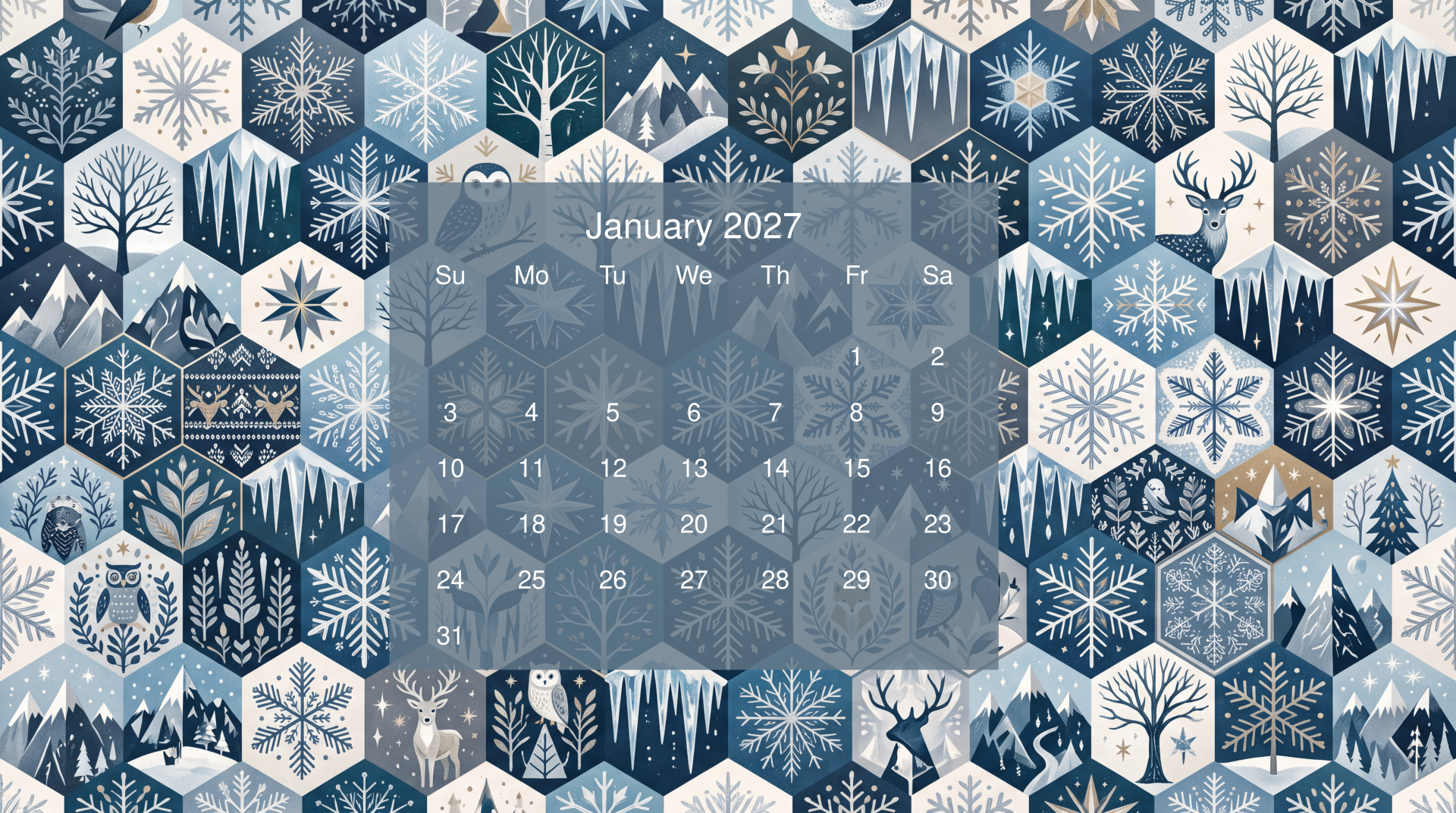
Personalizing your computer with a stylish wallpaper can significantly enhance both aesthetics and productivity. A January 2027 calendar computer wallpaper not only serves as a functional tool for keeping track of important dates but also adds a touch of creativity to your desktop. With the right design, you can transform your workspace into an inspiring environment that motivates you throughout the month.
Why Use a Calendar Wallpaper?
Using a calendar as a wallpaper offers numerous benefits that can improve your daily routine. Here are some key advantages:

- Easy Access to Dates: A calendar wallpaper allows you to quickly glance at important dates without opening an app.
- Improved Organization: Visual reminders of deadlines and appointments help you stay organized and on track.
- Visual Appeal: A well-designed calendar can enhance the overall look of your desktop, making it more inviting.
For instance, having a motivational quote integrated into the calendar can serve as a daily inspiration, while color-coded dates can help prioritize tasks effectively.
Design Options for January 2027
The design of your January 2027 calendar wallpaper can greatly influence its impact. Here are some popular styles to consider:
- Minimalist: Clean lines and simple typography create a clutter-free look that enhances focus.
- Artistic: Unique illustrations or abstract designs can add personality and creativity to your workspace.
- Themed Designs: Seasonal themes, such as winter landscapes or New Year motifs, can evoke the spirit of January.
When selecting a design, pay attention to color schemes that complement your desktop icons and overall aesthetic. Typography should be clear and legible, ensuring that important dates stand out.
How to Download and Set Up Your Wallpaper
Setting up your January 2027 calendar wallpaper is a straightforward process. Follow these steps for different operating systems:
For Windows:
- Search for “January 2027 calendar wallpaper” online.
- Select a design you like and ensure it has high resolution for optimal clarity.
- Right-click on the image and choose “Save image as…” to download it.
- Right-click on your desktop, select “Personalize,” then “Background.”
- Select “Picture” and browse for your downloaded wallpaper to set it as your background.
For macOS:
- Find a suitable January 2027 calendar wallpaper online.
- Download the image by right-clicking and selecting “Save Image As.”
- Go to “System Preferences,” then “Desktop & Screen Saver.”
- Select the “+” button to add the downloaded image to your desktop options.
- Select the image to set it as your wallpaper.
To ensure the best fit, choose wallpapers that match your screen resolution. This will prevent any distortion or pixelation, allowing you to enjoy both functionality and style in your desktop customization.