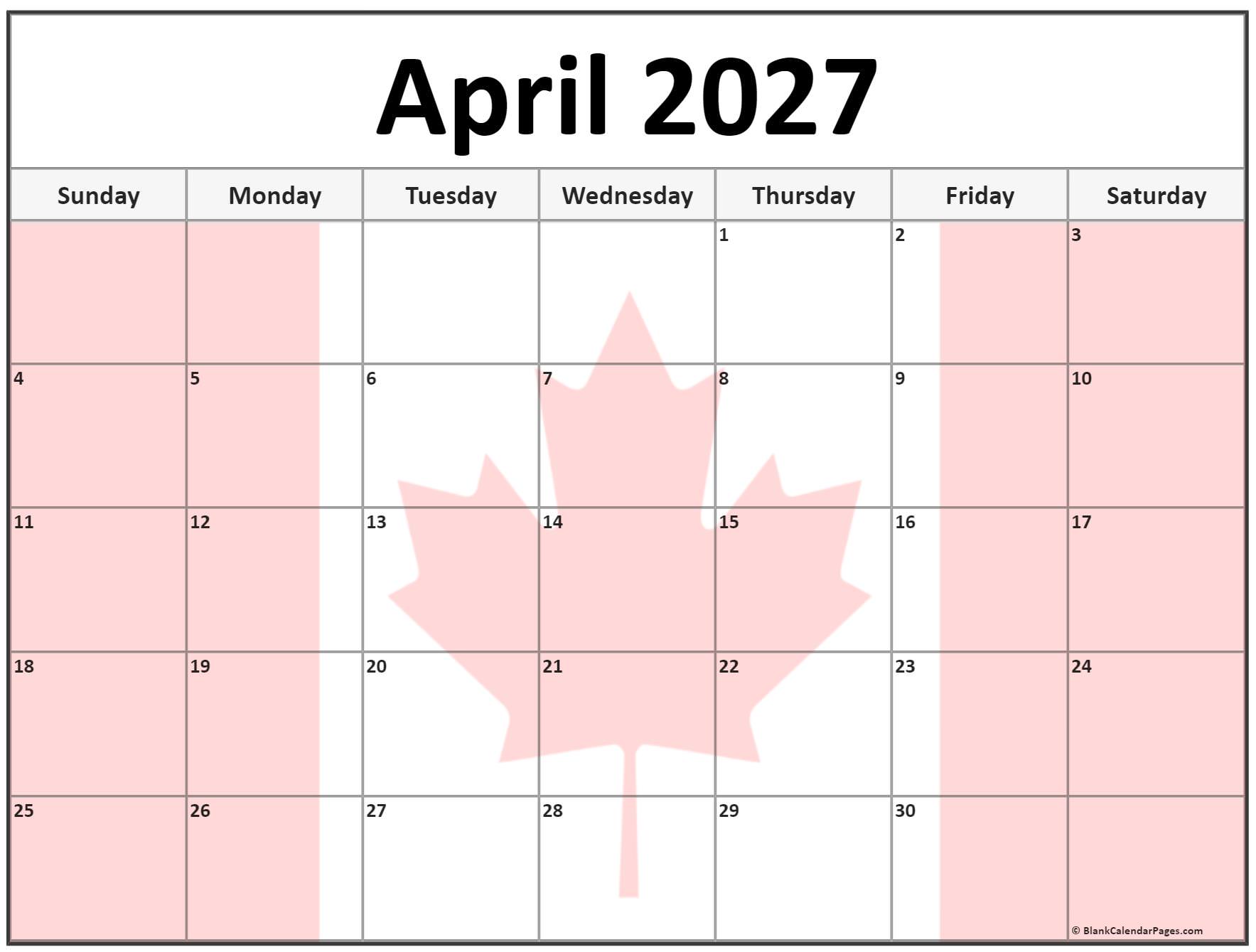
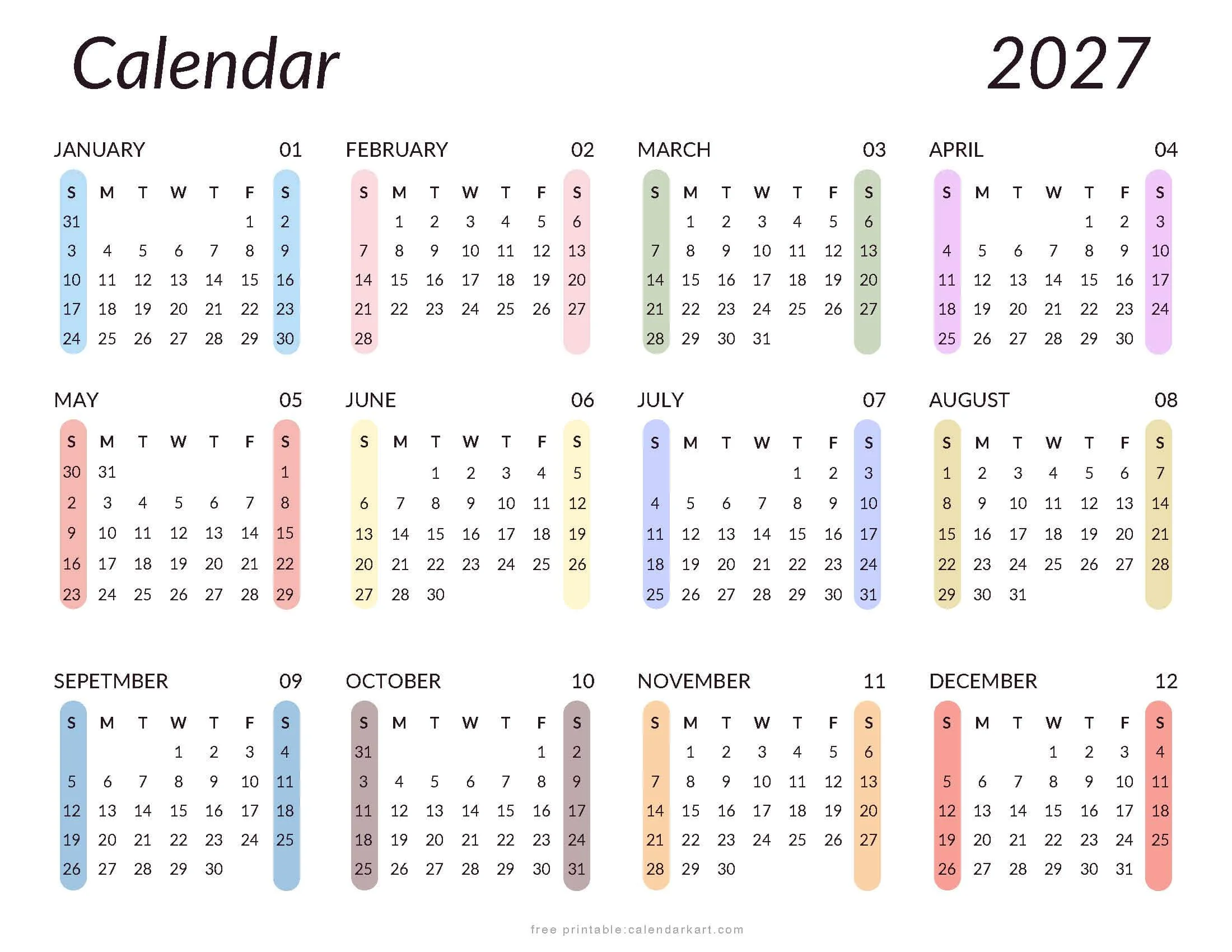
An organized calendar is essential for effective planning, especially for Canadians looking to optimize their productivity in April 2027. Utilizing an Excel format not only streamlines scheduling but also enhances the ability to manage personal and professional commitments efficiently.
Features of the April 2027 Calendar in Excel
The Excel calendar offers several key features:
- Customizable Templates: Tailor the layout to fit individual preferences.
- Ease of Editing: Quickly update events or appointments as needed.
- Notes and Appointments: Add personal reminders directly within the calendar.
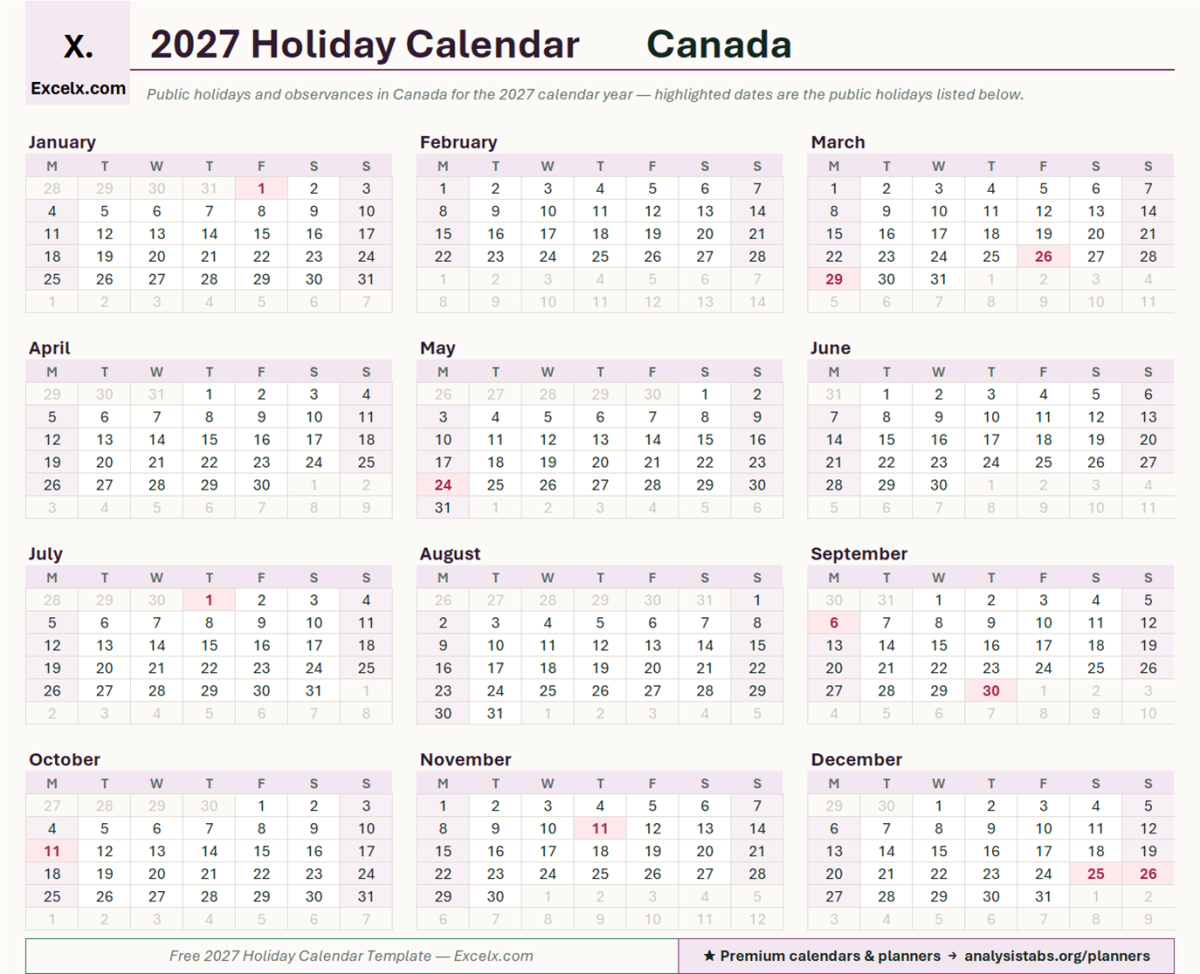
Including Canadian holidays and observances is crucial. In April 2027, users can note:
- Good Friday: April 14, 2027
- Easter Monday: April 17, 2027
How to Download and Use the Calendar Template
To find and download an April 2027 calendar template in Excel, follow these steps:
- Search online for “April 2027 Excel calendar template.”
- Select a reputable website offering free downloads.
- Download the template and open it in Excel.
Ensure compatibility by checking the file format. Personalize your calendar by color-coding events or integrating tasks into your daily schedule for better organization.
Benefits of Using an Excel Calendar for Planning
Using an Excel calendar provides numerous advantages over traditional paper calendars:
- Accessibility: Access your calendar from multiple devices.
- Sharing Capabilities: Easily share your calendar with others.
- Digital Integration: Sync with other planning tools or applications.
This tool is versatile, catering to both personal organization and business planning needs, making it suitable for various users.
Explore additional resources or templates related to calendar planning to enhance your scheduling experience further.